Ropomo
The inverted Pomodoro for the AI era — give the AI the timer
The inverted Pomodoro
Stop babysitting your AI.
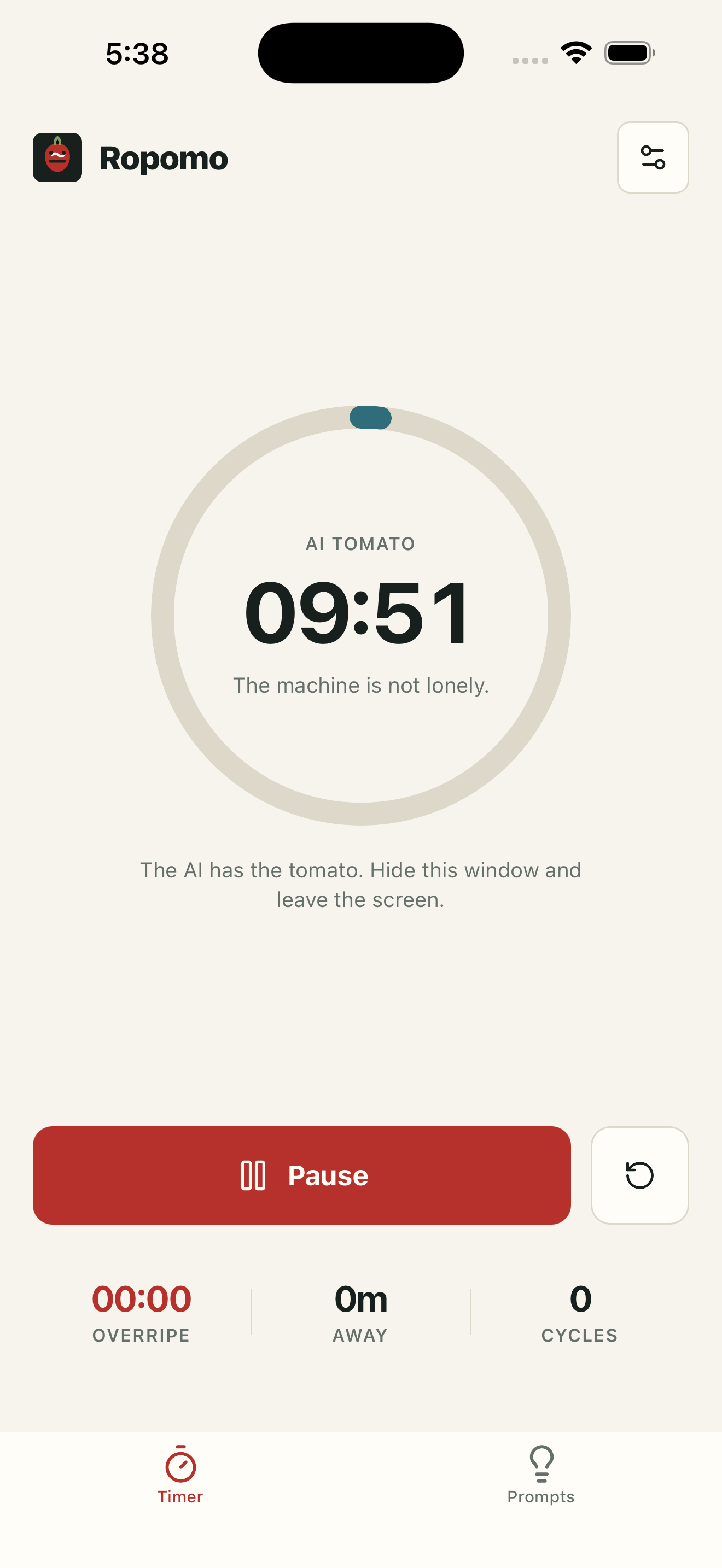
Start & leave
The AI gets the long block. You get the gap.
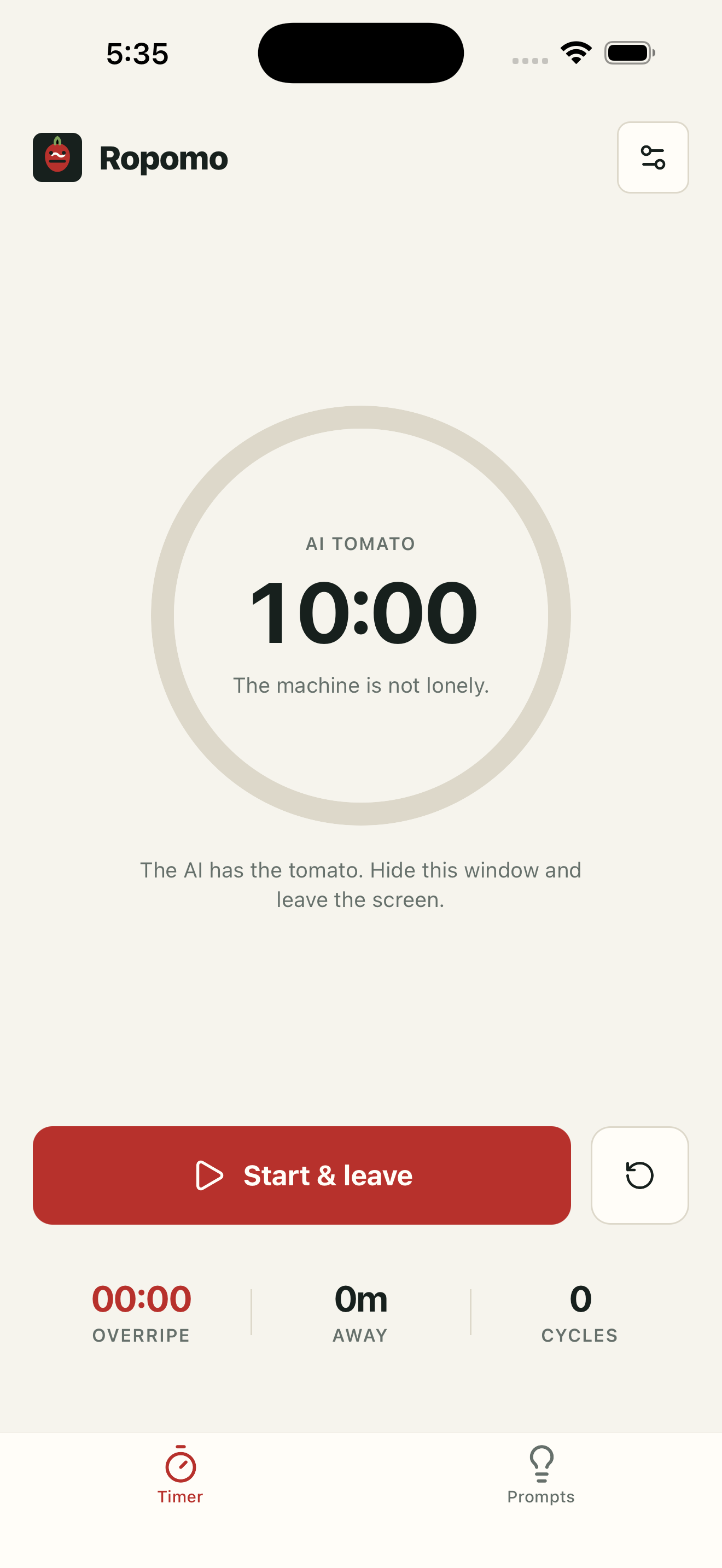
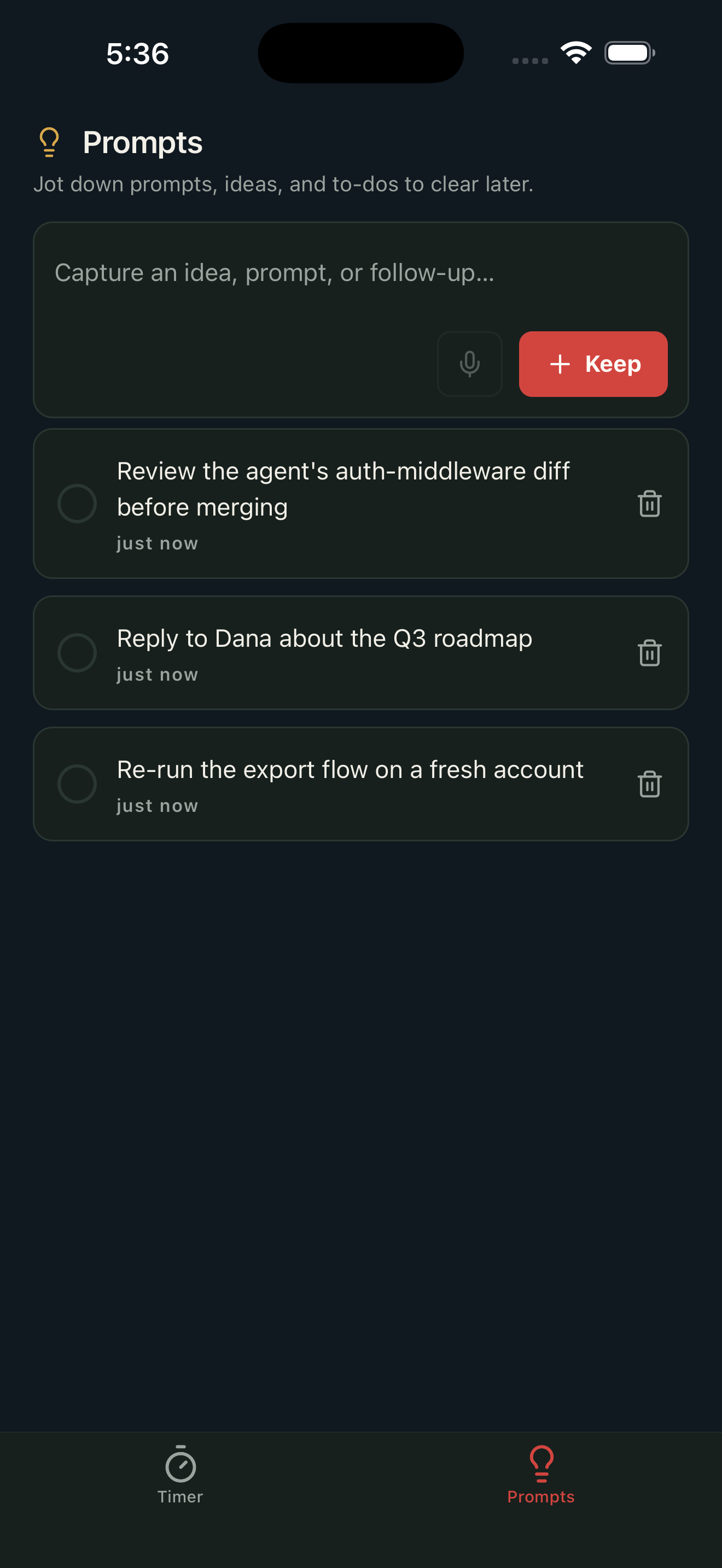
Capture & move on
Park ideas while you're away.
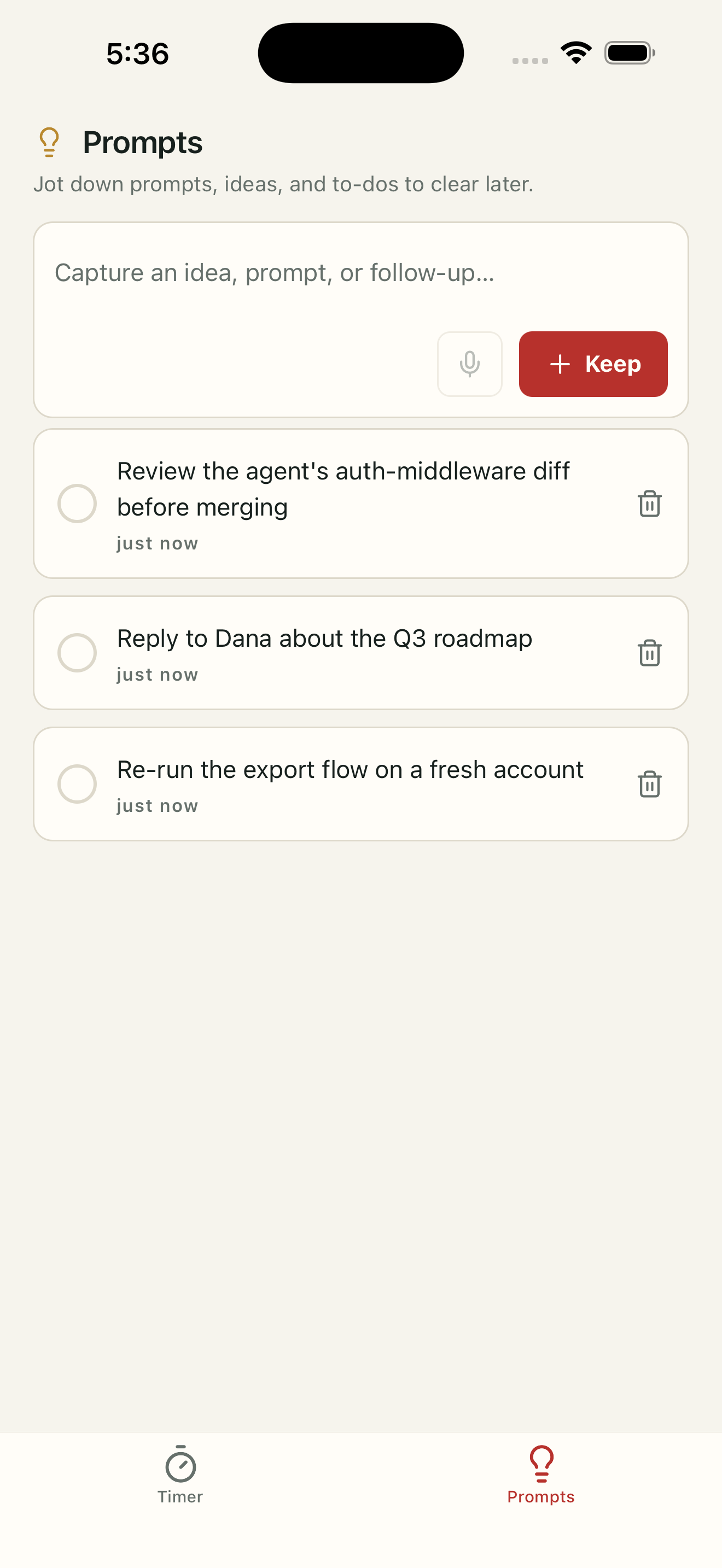
Three presets or custom
Pick a rhythm, or tune your own.
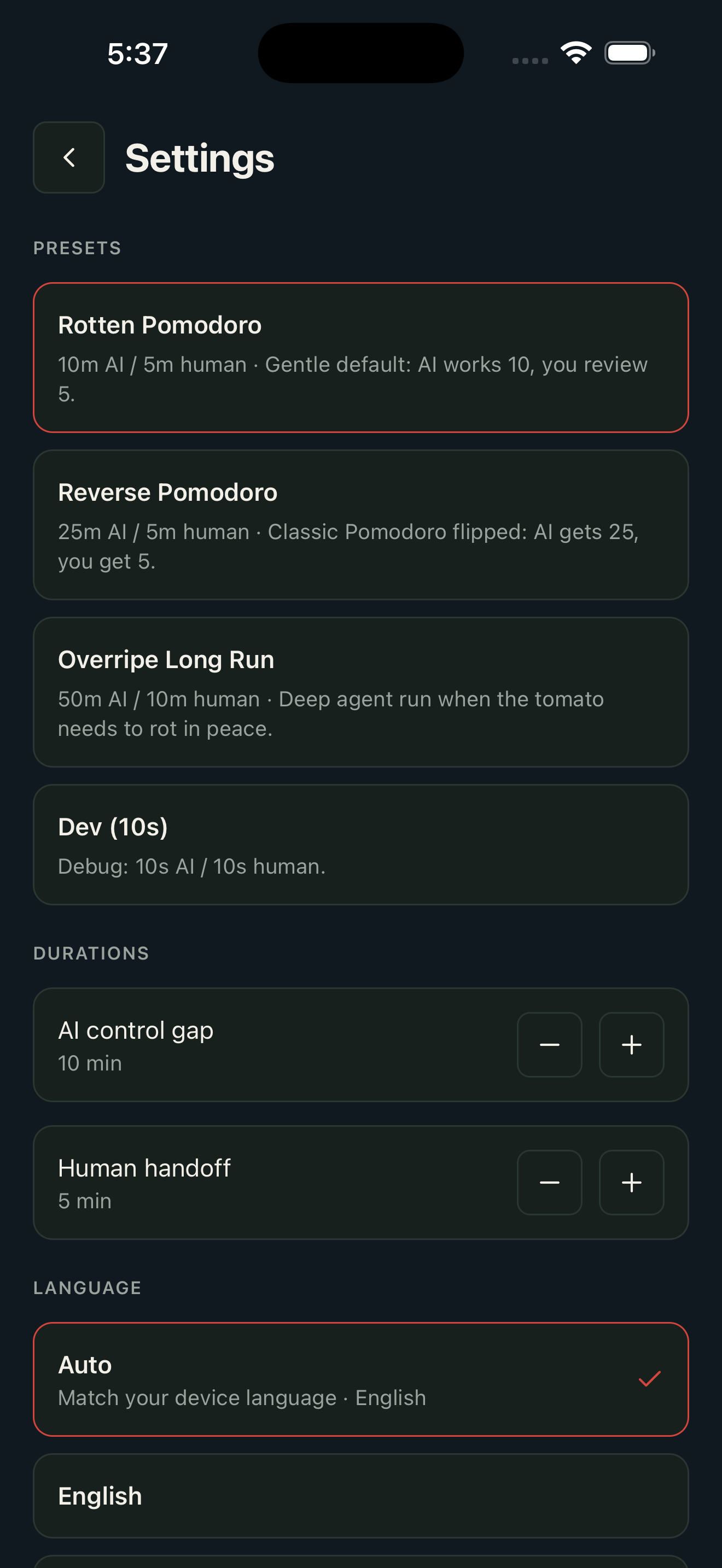
Private by design
No account. No cloud. No tracking.
About
Ropomo is the inverted Pomodoro for the AI era. Classic Pomodoro maximizes the time you stare at the screen — but when an AI agent is doing the work, staring is the problem. Ropomo flips it: the machine gets the long work block, you get a short handoff window. Give the AI a command, start a tomato, swipe the app away — and an alarm-style notification pulls you back exactly when a human is needed. While you're away, park ideas in the Inspiration tab and check them off later. Private by design: no account, no cloud, no tracking — everything lives in a local database on your device. iPhone + desktop tray app.
Topics
Maker's first comment
Links
Submission notes · not shown on Product Hunt
Ropomo Maker · just now
Hi Product Hunt 👋 I kept catching myself babysitting AI agents — staring at a progress bar I couldn't speed up. So I built Ropomo: the Pomodoro, inverted. The AI gets the long block. You get a short, deliberate handoff window. Start the tomato, swipe the app away, and an alarm-style notification (the kind you have to dismiss) pulls you back when a human is actually needed. While you're away, the Inspiration tab lets you park a quick thought — type or dictate — and check it off once you've acted on it back at your desk. It even tracks "overripe" time: every minute you relapse into hovering, so you can train the gap longer. Two tabs, nothing more. Fully on-device — no account, no cloud, no tracking. iPhone, plus a desktop tray app. Would love your feedback on the AI/human ratios that work for your workflow!