Ropomo
Give the AI the timer
RopomoThe inverted Pomodoro
Stop babysitting your AI.
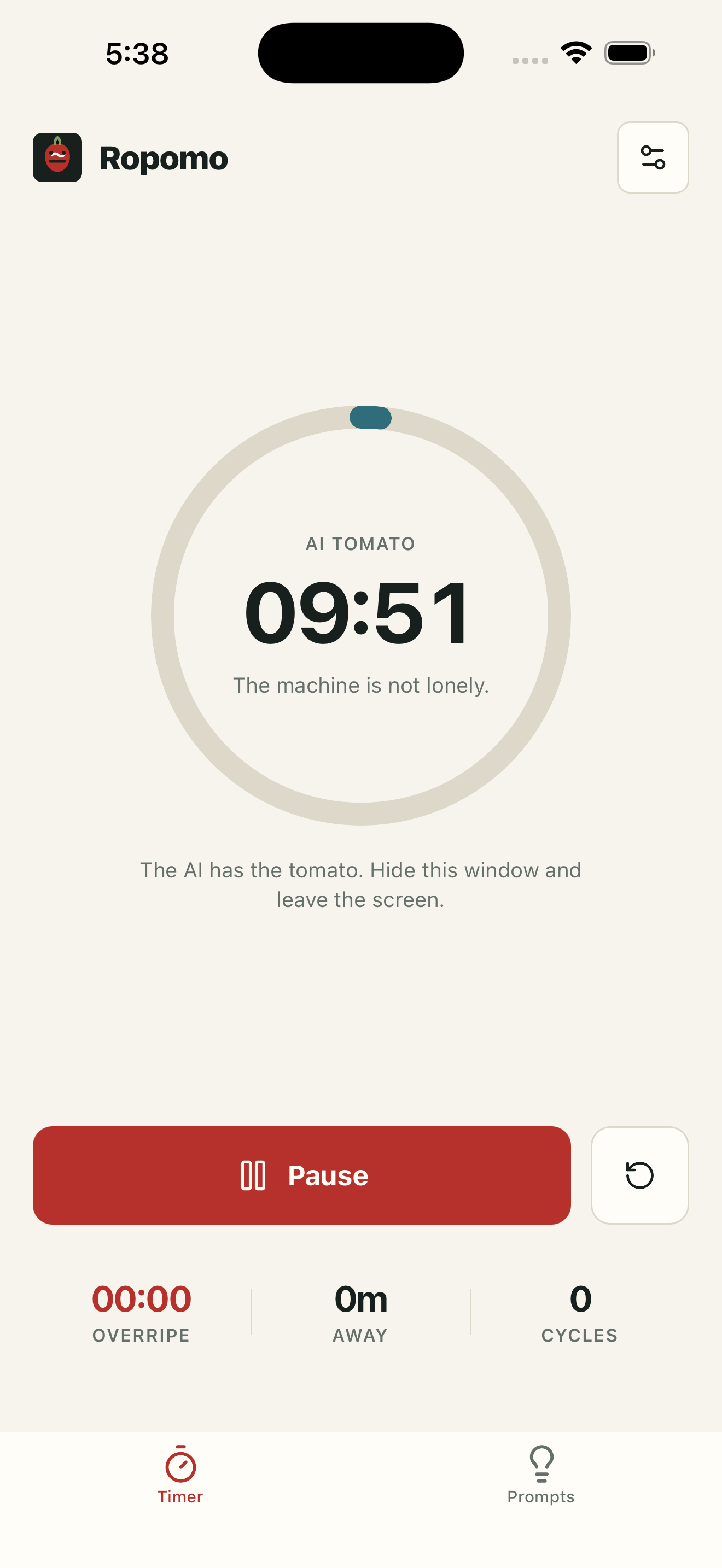
Start & leave
The AI gets the long block. You get the gap.
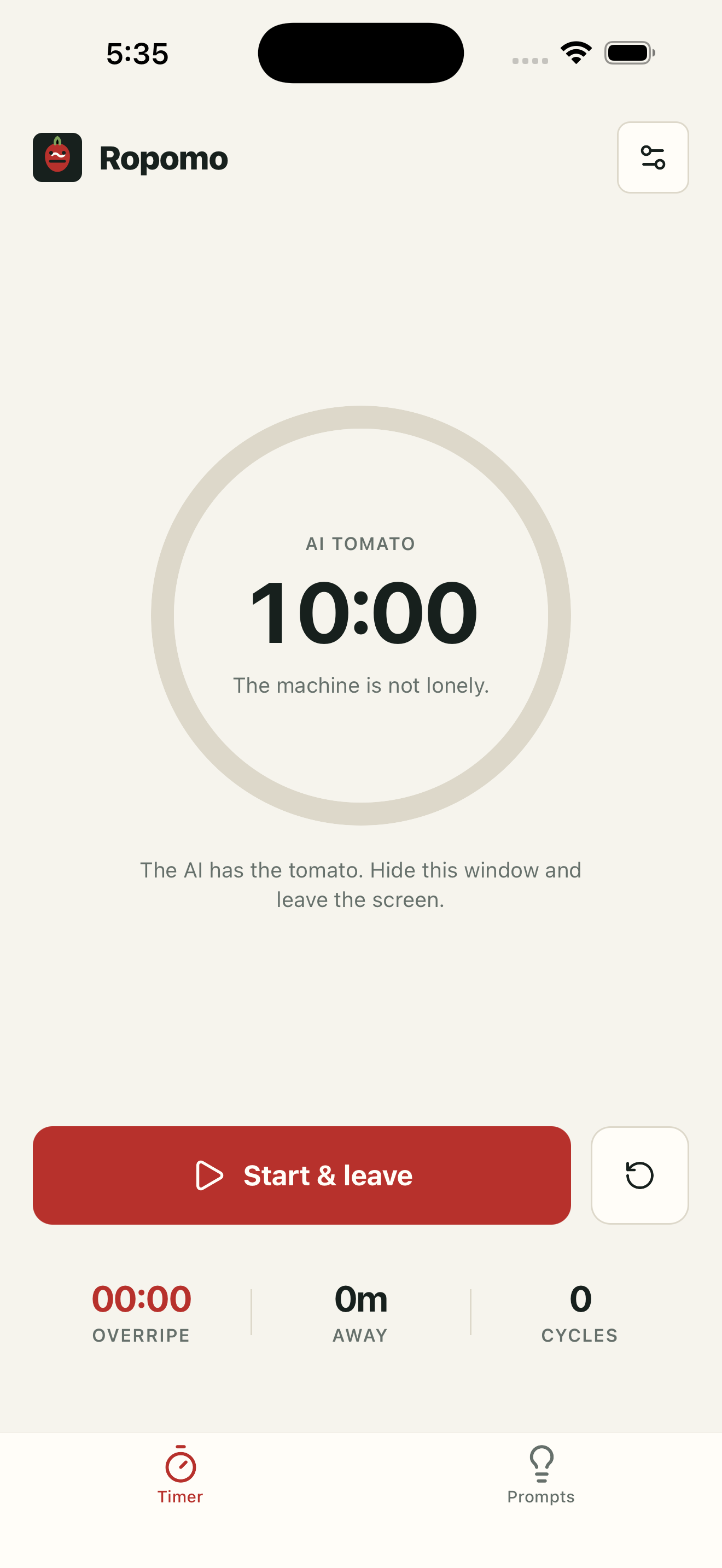
Capture & move on
Park ideas while you're away.
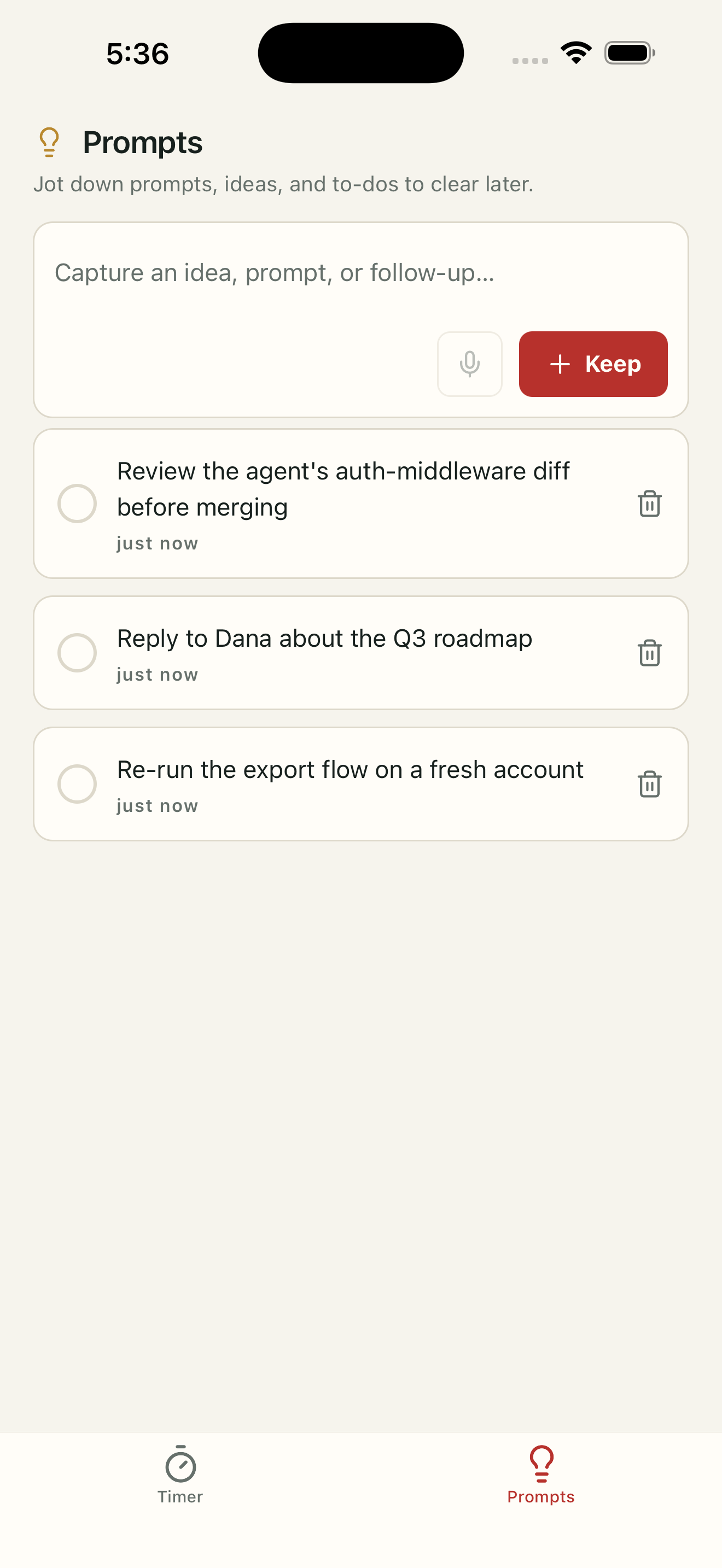
Three presets or custom
Pick a rhythm, or tune your own.
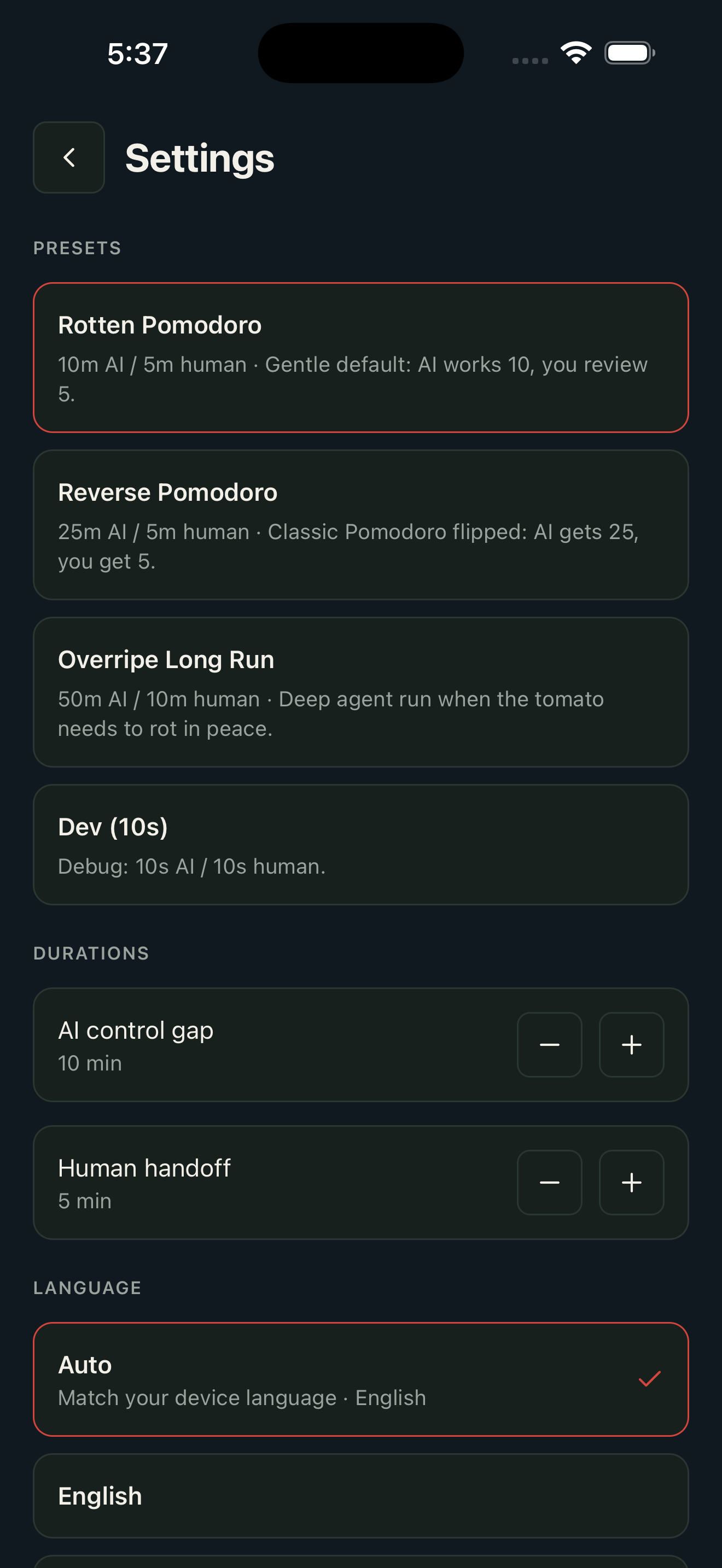
Private by design
No account. No cloud. No tracking.
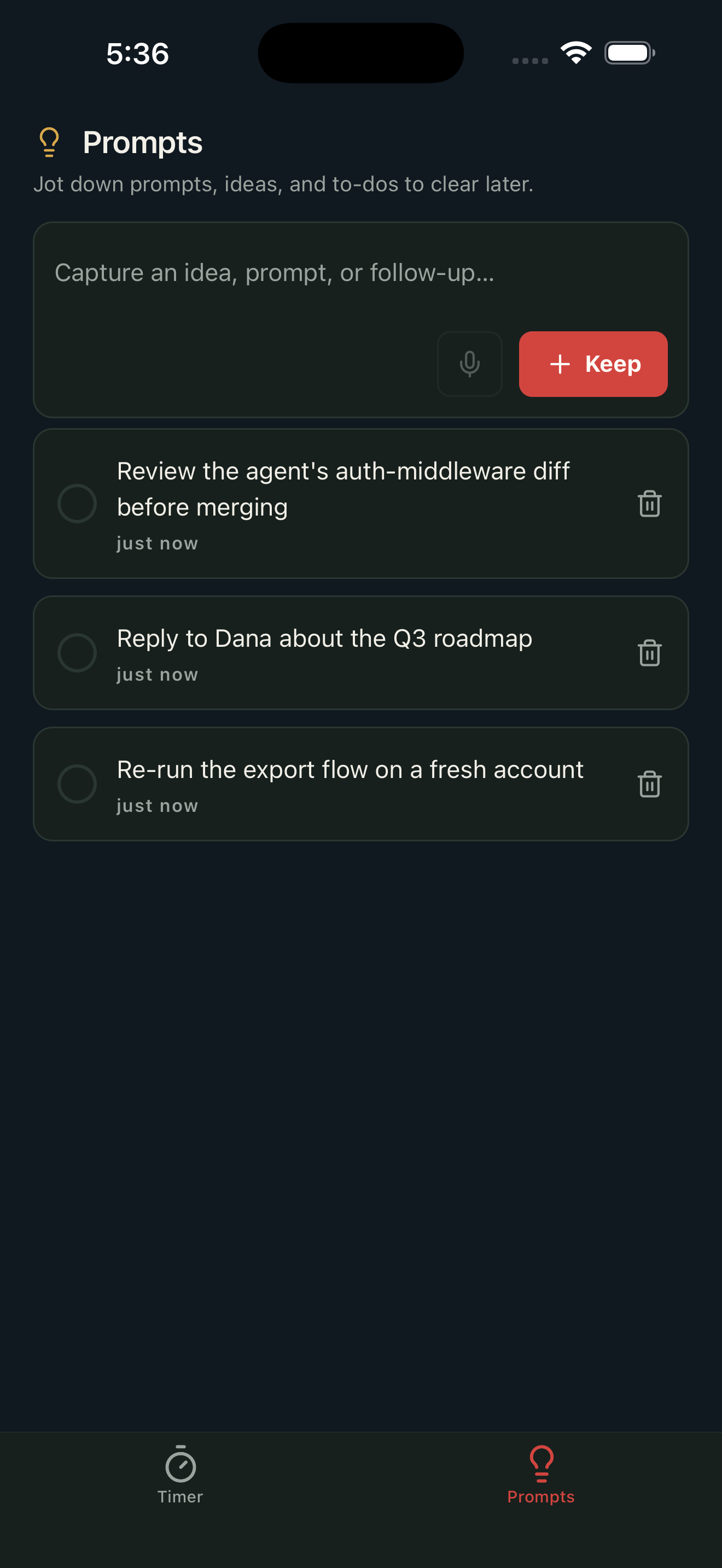
Ropomo is the inverted Pomodoro for the AI era. Classic Pomodoro maximizes the time you stare at the screen. But when an AI agent is doing the work, staring is the problem — not the solution. Ropomo flips the timer: the machine gets the long work block, and you get a short, deliberate handoff window. THE LOOP • Give the AI a command, start a tomato, and swipe the app away. • When the block ends, an alarm-style notification pulls you back — the kind you actually dismiss. • While you're away, pop open the Inspiration tab to park a thought (type it; dictation works too). • Back at your desk, check off the ideas you acted on. Train the gap longer over time. TWO TABS, NOTHING MORE • Timer — one big ring, Start & leave, and your "overripe" overrun (time spent relapsing into babysitting). • Inspiration — a quick local list to park ideas while away, with tap-to-complete. WHY ROPOMO • Background-safe — the timer is timestamp-based, so it's correct even after your phone sleeps. • An alarm-grade local notification brings you back exactly on time. • Three presets (Rotten Pomodoro, Tiny Tomato, Overripe Long Run) or fully custom durations. PRIVATE BY DESIGN No account. No cloud. No tracking. Everything — settings and your inspirations — stays on your device in a local database. Ropomo collects nothing.
Ropomo
DeveloperWhat's New
Version HistoryFirst release. • Inverted AI / human focus timer with three presets and custom durations. • Background-safe countdown with an alarm-style come-back notification. • Inspiration tab: park ideas while away, check them off when done. • Fully private — no account, no cloud. Everything stays on-device.
App Privacy
The developer, Ropomo, indicated that the app's privacy practices may include handling of data as described below.
The developer does not collect any data from this app. No account, no cloud, no tracking — everything stays on your device.
Information
Submission notes · not shown on the App Store